By the VidSip Editorial Team · Last updated: June 15, 2026 · 9 min read
You found a TikTok you want to keep. You tap the Share button, hit Save Video — and either the button is greyed out entirely, or the video saves with that floating watermark stamped across the corner. This is by design: TikTok adds its logo and the creator's username to every video saved through its own app, and some creators disable the save button altogether.
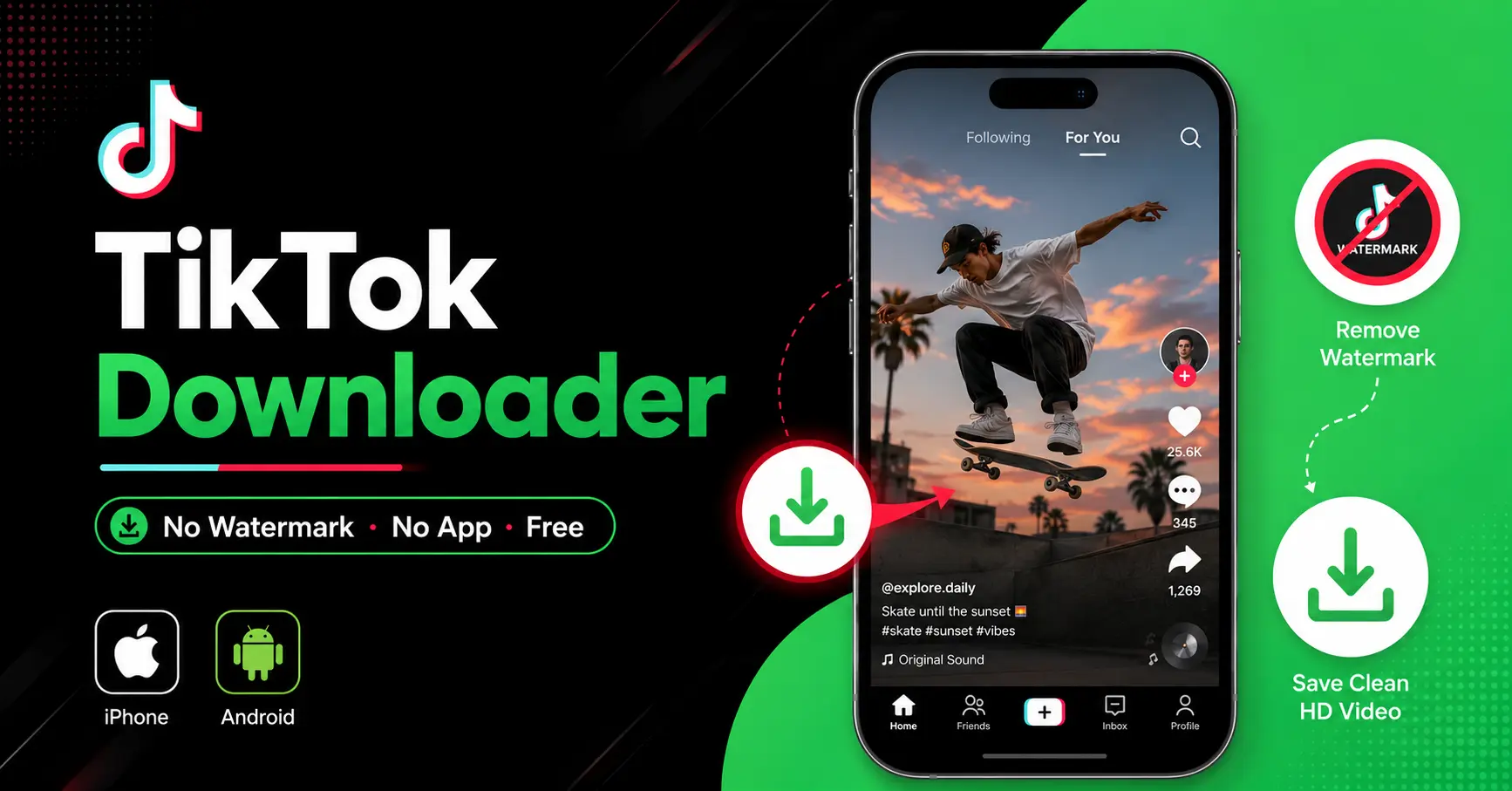
There is a cleaner way. VidSip's free TikTok downloader fetches the original video file directly from TikTok's content delivery servers — before the watermark layer is applied — and saves it straight to your device in HD quality. No app to install, no account needed, works in any browser on iPhone or Android. This guide covers every scenario: regular videos, Reels-style content, slideshows, audio-only, and stories.
Why TikTok Videos Have a Watermark — and Why VidSip Removes It
TikTok stores two versions of every video on its servers: the original clean upload from the creator, and a watermarked version that gets served when someone taps "Save Video" inside the app. The watermark is added server-side by TikTok, not burned into the original file by the creator.
VidSip bypasses the watermarked delivery path and requests the original clean file directly. The result is the video exactly as the creator uploaded it — same resolution, same bitrate, no TikTok logo, no username overlay. This is why VidSip produces genuinely cleaner output than TikTok's own save feature, not just a cropped or edited version.
How to Download TikTok Videos Without Watermark Using VidSip
The process takes under 30 seconds regardless of your device:
- Open TikTok and find the video you want to save
- Tap the Share button — the arrow icon on the right side of the screen — then tap Copy Link
- Open VidSip — go to vidsip.com/tiktok-downloader in your browser
- Paste the link into the input box and tap Download
- Select the no-watermark option and the video saves to your device
One thing worth noting: always copy the link using TikTok's Share button, not from your browser's address bar. The share link gives VidSip access to the clean original file. Browser address bar URLs sometimes return a different response that may include watermarking.
Save TikTok to Camera Roll on iPhone — Without Watermark
iPhone handling is slightly different from Android because iOS doesn't auto-save to the Photos app from a browser download. Here is the exact flow:
- Copy the TikTok link using Share → Copy Link
- Open Safari on your iPhone — not Chrome, not Firefox. Safari handles iOS downloads significantly better for video files
- Go to vidsip.com/tiktok-downloader, paste the link, tap Download
- When the download prompt appears, tap Download to save to your Files app
- Open the Files app, navigate to Downloads, find the video
- Tap and hold the video file → select Save to Photos
The video now sits in your iPhone Camera Roll in full HD with no watermark. For faster access next time, add VidSip to your home screen: in Safari, tap the Share icon and select Add to Home Screen — it opens instantly like an app with no browser chrome.
If Safari asks "Do you want to download this file?" rather than playing it inline, tap Download — that's actually the correct behaviour for saving to Files. Some users get confused here and tap Cancel, which stops the download.
Save TikTok Without Watermark on Android
Android is more straightforward — Chrome downloads directly to your Downloads folder and the Gallery app picks up the file automatically:
- Copy the TikTok link via Share → Copy Link
- Open Chrome on your Android device
- Go to vidsip.com/tiktok-downloader, paste the link, tap Download
- Tap the no-watermark download option — the file saves directly to your Downloads folder
- Open your Gallery app — the video appears automatically
Works across all Android brands — Samsung, Xiaomi, Redmi, Realme, Vivo, OnePlus, and others. If your Gallery doesn't show the video immediately, open the Files app, navigate to Downloads, and play it from there. A Gallery refresh usually picks it up within seconds.
What to Do When the TikTok Save Button Is Greyed Out
This is one of the most common frustrations — you want to save a video but the Save Video option in TikTok's share sheet is either missing or tapped out. This happens when the creator has specifically disabled downloads on their account settings. TikTok respects this at the app level, but the video itself is still publicly hosted.
VidSip works regardless of whether the creator has disabled in-app downloads, because it doesn't go through TikTok's app download mechanism at all. As long as the video is publicly visible — meaning the account is not private — VidSip can fetch and download it. Paste the link into VidSip exactly as you would for any other video.
Download TikTok Slideshow and Photo Posts
TikTok slideshows — the photo carousel posts with music — are one of the most underserved download use cases. TikTok's own save feature only gives you a video render of the slideshow, not the individual photos. VidSip handles slideshows differently: paste the slideshow post link into VidSip and it extracts all the individual photos at full resolution, plus the audio track separately if needed. Every image saves as a clean JPG with no watermark or TikTok overlay.
This is particularly useful for saving travel photo dumps, aesthetic posts, product carousels, and any multi-image TikTok content where you want the original photos rather than a compressed video version.
TikTok Audio Downloader — Save as MP3
For saving just the audio from a TikTok — a trending sound, an original track, a voiceover, or spoken content — VidSip extracts the MP3 directly from the video without any conversion loss. Paste the TikTok link into VidSip and select the MP3 Audio option instead of the video download. The audio saves as an MP3 file at the same quality as the original TikTok upload.
On iPhone, the MP3 saves to your Files app and can be added to Apple Music or shared via AirDrop. On Android, it saves to Downloads and is immediately accessible in any music or file app. No third-party converter needed, no quality degradation from running it through a video-to-MP3 tool.
Download TikTok Stories Without Watermark
TikTok Stories — the 24-hour disappearing posts — work the same way as regular videos in VidSip. Copy the story link from TikTok's share menu, paste it into VidSip, and download before the 24-hour window closes. Stories save in HD as MP4 files with no watermark. Once a TikTok Story expires after 24 hours, it is removed from TikTok's servers and cannot be retrieved by any tool.
Download Quality — What to Expect
VidSip offers two quality options for most TikTok videos:
- HD (No Watermark) — the original clean file from TikTok's CDN, highest quality available, no logo
- SD (No Watermark) — a lower-resolution version, useful if storage space is limited
HD availability depends on what the creator originally uploaded. Older TikToks from 2019-2021 are sometimes only available in SD even from the original source, since TikTok's HD upload support improved significantly in 2022. If only SD appears, that is the highest quality TikTok's servers have for that specific video — not a VidSip limitation.
We build and maintain VidSip's downloader tools and write these guides based on direct testing across every platform we support. TikTok's delivery infrastructure and watermarking behaviour is something we monitor closely as TikTok updates its platform — this guide reflects the current state as of June 2026.
Frequently Asked Questions
Does the creator know I downloaded their TikTok?
No. VidSip downloads the video file from TikTok's public CDN without interacting with your TikTok account or the creator's account in any way. No view count is registered through VidSip, and the creator receives no download notification. This is different from TikTok's own save feature, which may appear in creator analytics.
Why is the TikTok save button greyed out?
The creator has disabled downloads in their TikTok account settings. TikTok honours this restriction at the app level but the video is still publicly hosted. VidSip can download any publicly visible TikTok video regardless of whether the in-app download is disabled.
How do I save a TikTok to my camera roll on iPhone without watermark?
Copy the TikTok link via Share → Copy Link. Open Safari, go to vidsip.com/tiktok-downloader, paste the link and tap Download. The file saves to your Files app — open Files, tap and hold the video, select Save to Photos to move it to your Camera Roll.
Can I download TikTok slideshows and get the individual photos?
Yes. Paste the slideshow post link into VidSip. It extracts all individual photos as separate JPG files at full resolution, rather than the compressed video version TikTok's own save feature produces.
How do I download TikTok audio as MP3?
Paste the TikTok video link into VidSip and select the MP3 Audio option instead of the video download. The audio saves as an MP3 at the same quality as the original upload — no external converter needed.
Is downloading TikTok videos without watermark legal?
Downloading publicly available TikTok videos for personal use is generally considered legal. Using downloaded content for commercial purposes, reposting without credit, or claiming someone else's content as your own may violate copyright and TikTok's terms of service. Always respect the original creator's work.
Does VidSip work for private TikTok accounts?
No. VidSip only accesses publicly visible content. Videos from private TikTok accounts cannot be downloaded — the account must be public and the video must be viewable without logging into TikTok.
Why does my downloaded TikTok only have SD quality?
HD availability depends on the creator's original upload quality. Older TikToks from 2019-2021 were often uploaded in SD — that is the highest quality available from TikTok's servers for those videos, not a VidSip limitation. Recent videos from 2022 onwards should have HD available.
Can I download TikTok videos on iPhone without installing an app?
Yes. VidSip runs entirely in Safari on iPhone — no app installation, no App Store, no account. Open Safari, go to vidsip.com/tiktok-downloader, paste the link, and download. The whole process takes under 30 seconds.