By the VidSip Editorial Team · Last updated: June 24, 2026 · 9 min read
You watched a Reel three times in a row, went to save it — and found nothing. No download button. No "Save to device" option. Instagram lets you bookmark Reels inside the app, but the moment you're offline, that bookmark is useless. The video lives on Instagram's servers, not yours.
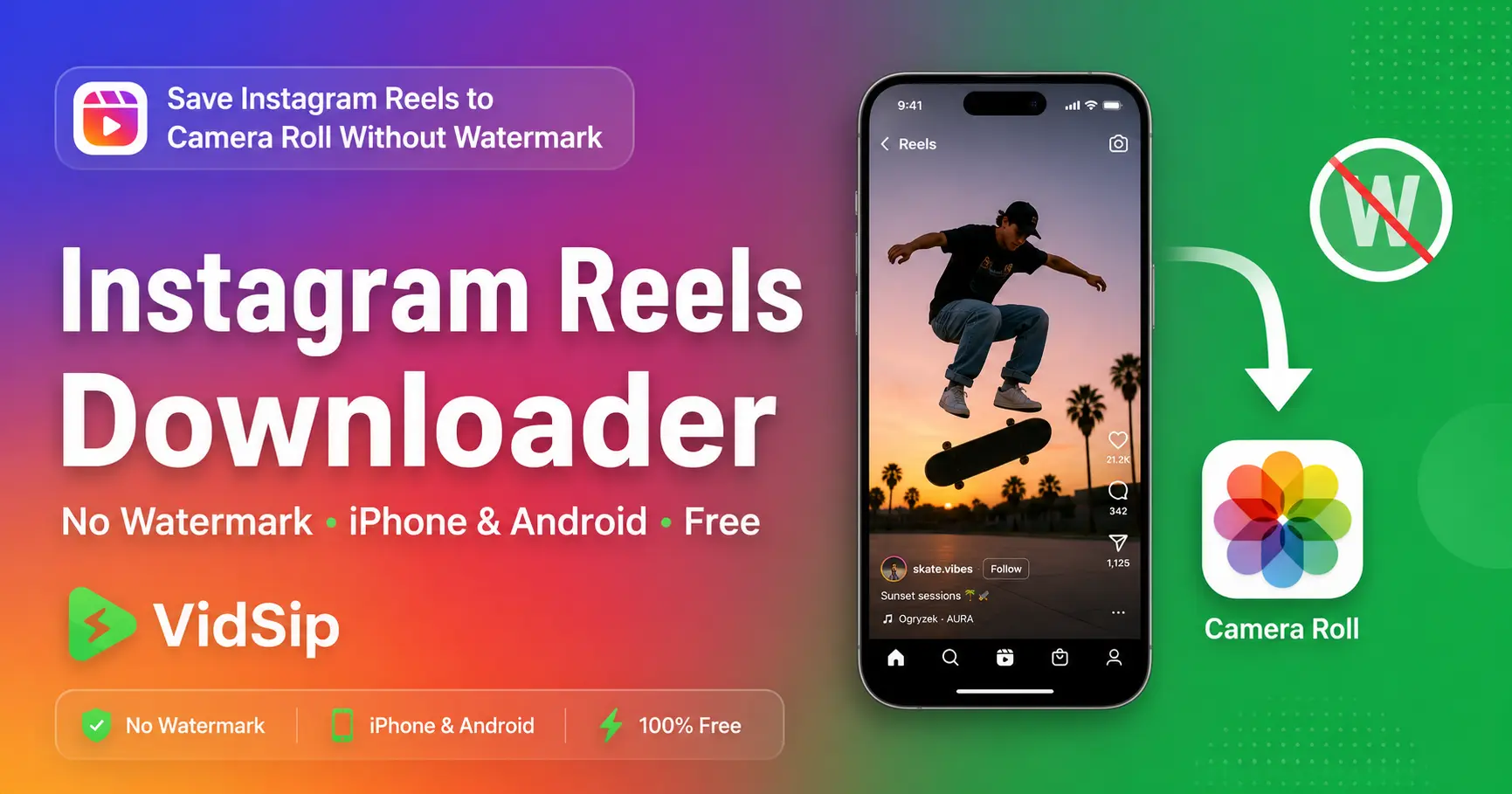
This guide covers every working method to save Instagram Reels to your camera roll in 2026 — on iPhone and Android — without watermarks, without logging into anything suspicious, and without installing a third-party app from the App Store.
Why Instagram Does Not Have a Download Button
Instagram removed native video saving years ago and has never brought it back. The reason is retention: every time you open the app to rewatch a saved Reel, Instagram counts another session, serves more ads, and collects more engagement data. A downloaded video watched offline generates zero revenue for Meta.
Instagram does offer a Save feature — but this only bookmarks the Reel inside the app. It does nothing to your camera roll. If you delete the app, lose internet access, or the creator deletes the video, your saved Reel is gone. A dedicated Instagram Reel downloader like VidSip bypasses this by fetching the raw MP4 directly from Instagram's CDN — the same file Instagram streams to your browser — and delivering it as an actual file you own on your device.
How to Save Instagram Reels to Camera Roll Using VidSip
This works on iPhone and Android without installing anything. The entire process takes under 30 seconds.
- Copy the Reel link — open Instagram, find the Reel, tap the three-dot menu (···) and select Copy Link. On desktop, copy the URL from your browser address bar
- Open VidSip — go to vidsip.com/instagram-downloader in your browser
- Paste and download — paste the link into the input box and tap Download. VidSip fetches the video and shows a download option within seconds
- Save to camera roll — iPhone: file saves to Files app, then open Files → Downloads → tap and hold → Save to Photos. Android: file saves directly to your Downloads folder and Gallery
Save Instagram Reels to iPhone Camera Roll — The Step People Always Miss
iPhone is the source of 90% of "VidSip isn't working" reports — and the fix is always the same. iOS does not save browser downloads to Photos automatically. Here is the exact flow:
- Copy the Reel link from Instagram
- Open Safari — not Chrome, not Firefox. Safari integrates cleanly with iOS file handling for videos. Chrome on iPhone often plays the video in-tab instead of downloading it
- Go to vidsip.com/instagram-downloader, paste, tap Download
- When Safari shows a download prompt, tap Download — not Open. Tapping Open plays the video in the browser without saving it
- Open the Files app on your iPhone
- Tap Browse → Downloads
- Find the MP4 file, tap and hold it → tap Share → Save Video
- The Reel is now in your Photos app → Recents
For repeat use, add VidSip to your iPhone home screen: in Safari tap the Share icon → Add to Home Screen. It opens like a native app with no browser chrome, which makes the whole process significantly faster.
Save Instagram Reels on Android
Android is much simpler. Open Chrome, go to vidsip.com/instagram-downloader, paste the Reel link, tap Download. The MP4 saves directly to your Downloads folder. Your Gallery app picks it up automatically — usually within a few seconds. If it does not appear in Gallery immediately, open your Files app, navigate to Downloads, and tap the file directly from there.
This works consistently across Samsung One UI, Xiaomi MIUI, Realme UI, OnePlus OxygenOS, and stock Android. Any browser works on Android — Chrome, Firefox, or your device's default browser.
What to Do When the Instagram Download Button Is Missing
If you tap the three-dot menu on a Reel and there is no Download option at all, the creator has disabled downloads in their Instagram account settings. This is increasingly common among creators who want to protect their content from being reposted without credit.
The key insight: Copy Link is always available on public Reels even when Download is not. Instagram only restricts the in-app download mechanism — it does not restrict the public URL. VidSip uses that public URL to access the original file. So the process is identical whether Download is enabled or not — Copy Link → paste into VidSip → done.
The one exception: if the account is private and you do not follow them, neither Copy Link nor any external tool will work. Private content is genuinely protected at the platform level.
Why Downloaded Reels Sometimes Have No Sound
This is one of the most common questions and the answer is not a VidSip issue. When a Reel uses a copyrighted song that Instagram has licensed strictly for in-app use, Instagram blocks the audio track at the CDN level before the file is ever served externally. VidSip downloads whatever Instagram serves — if the audio is missing in the CDN file, it will be missing in the download.
Reels using original audio, royalty-free music, or tracks the creator uploaded themselves download with full sound. Reels using popular chart music from major labels are the most affected. There is no workaround for this — it is a licensing restriction enforced by Instagram's infrastructure.
Instagram Reel Download vs Instagram Reel Save — What Is Actually Different
Instagram's built-in Save (the bookmark icon) and a real download are fundamentally different things that people often confuse:
- Instagram Save — bookmarks the Reel inside your Instagram account. Requires an active internet connection to watch. Disappears if the creator deletes the post or your account is suspended. Zero files on your phone
- VidSip Download — saves the actual MP4 file to your device storage. Playable offline forever. Stays on your phone regardless of what happens to the original post or Instagram account
If you want to keep a Reel permanently — for reference, for inspiration, for reposting with credit — downloading is the only method that actually achieves this.
Downloading Reels on PC or Mac
Desktop is the simplest experience. Open instagram.com in your browser, navigate to the Reel, click the three dots, and copy the link. Open a new tab, go to vidsip.com/instagram-downloader, paste, and click Download. The MP4 downloads directly to your Downloads folder with one click. No Files app step, no extra saves required — just a standard file download.
Does the Creator Know I Downloaded Their Reel?
No. Instagram does not notify creators when someone downloads their Reel through an external tool. Creators can see aggregate save counts in their Insights — the number of times the in-app bookmark was used — but these counts only reflect the in-app Save button. External downloads via VidSip do not register in Instagram Insights at all. The creator sees nothing.
Is Downloading Instagram Reels Legal?
Downloading publicly available content from public Instagram profiles for personal use is broadly considered legal. The relevant legal principles — fair use in the US, fair dealing in the UK and Commonwealth countries — generally permit saving publicly accessible content for private, non-commercial purposes.
What is not permitted: reposting someone else's Reel without credit, using it commercially, editing and presenting it as your own work, or distributing it in a way that harms the original creator. If you share a downloaded Reel anywhere, crediting the original creator is both legally advisable and the right thing to do.
Common Issues and Exact Fixes
| Problem | Cause | Fix |
|---|---|---|
| No download button on Reel | Creator disabled downloads | Use Copy Link instead — VidSip works regardless |
| Nothing appears in iPhone Camera Roll | iOS saves to Files, not Photos | Files app → Downloads → tap and hold → Save Video |
| Video opens in browser instead of downloading | Using Chrome on iPhone | Switch to Safari on iPhone |
| Downloaded Reel has no sound | Copyrighted music blocked by Instagram CDN | No fix — Instagram licensing restriction |
| Private account error | Account is private | Only works with public profiles |
We build and maintain VidSip's downloader tools and write these guides based on direct testing across every platform we support. Instagram's download restrictions and interface updates are monitored closely — this guide reflects the current state of Instagram as of June 2026.
Frequently Asked Questions
How do I save an Instagram Reel to my camera roll on iPhone without watermark?
Copy the Reel link via the three-dot menu → Copy Link. Open Safari, go to vidsip.com/instagram-downloader, paste the link and tap Download. Open the Files app → Downloads → tap and hold the file → Share → Save Video. The Reel appears in Photos → Recents with no watermark.
Why is the Instagram Reels download button missing?
The creator has disabled downloads in their Instagram account settings. Use Copy Link instead — it is always available on public Reels. VidSip uses the public link to access the original file, bypassing the in-app download restriction completely.
Does VidSip add a watermark to downloaded Instagram Reels?
No. VidSip downloads the original file from Instagram's CDN. No watermark is added by VidSip at any stage. The downloaded file is the same clean video Instagram stores on its servers.
Why does my downloaded Instagram Reel have no audio?
The Reel uses a licensed music track that Instagram blocks at the server level for external delivery. This is an Instagram CDN restriction — no external downloader including VidSip can recover audio that Instagram has blocked at the source. Reels with original audio download with full sound.
Can I download Instagram Reels on Android without an app?
Yes. Open Chrome on Android, go to vidsip.com/instagram-downloader, paste the Reel link, and tap Download. The file saves directly to your Downloads folder. No app installation required.
Can I download private Instagram Reels?
No. VidSip only works with publicly visible content. Reels from private accounts cannot be accessed through any external tool without the account owner's credentials.
Will the creator know I downloaded their Reel?
No. External downloads do not register in Instagram Insights. The creator only sees aggregate in-app save counts — not external downloads, not individual user identities.
How do I save Instagram Reels to camera roll on Android?
Open Chrome, go to vidsip.com/instagram-downloader, paste the Reel link, tap Download. The MP4 saves to your Downloads folder and appears in Gallery automatically.
What quality does VidSip download Instagram Reels in?
VidSip downloads at the highest quality available from Instagram's CDN — typically 1080p for Reels uploaded in 2022 or later. Older Reels may only be available at lower resolution depending on what was originally uploaded. No compression is added by VidSip.