By the VidSip Editorial Team · Last updated: June 15, 2026 · 8 min read
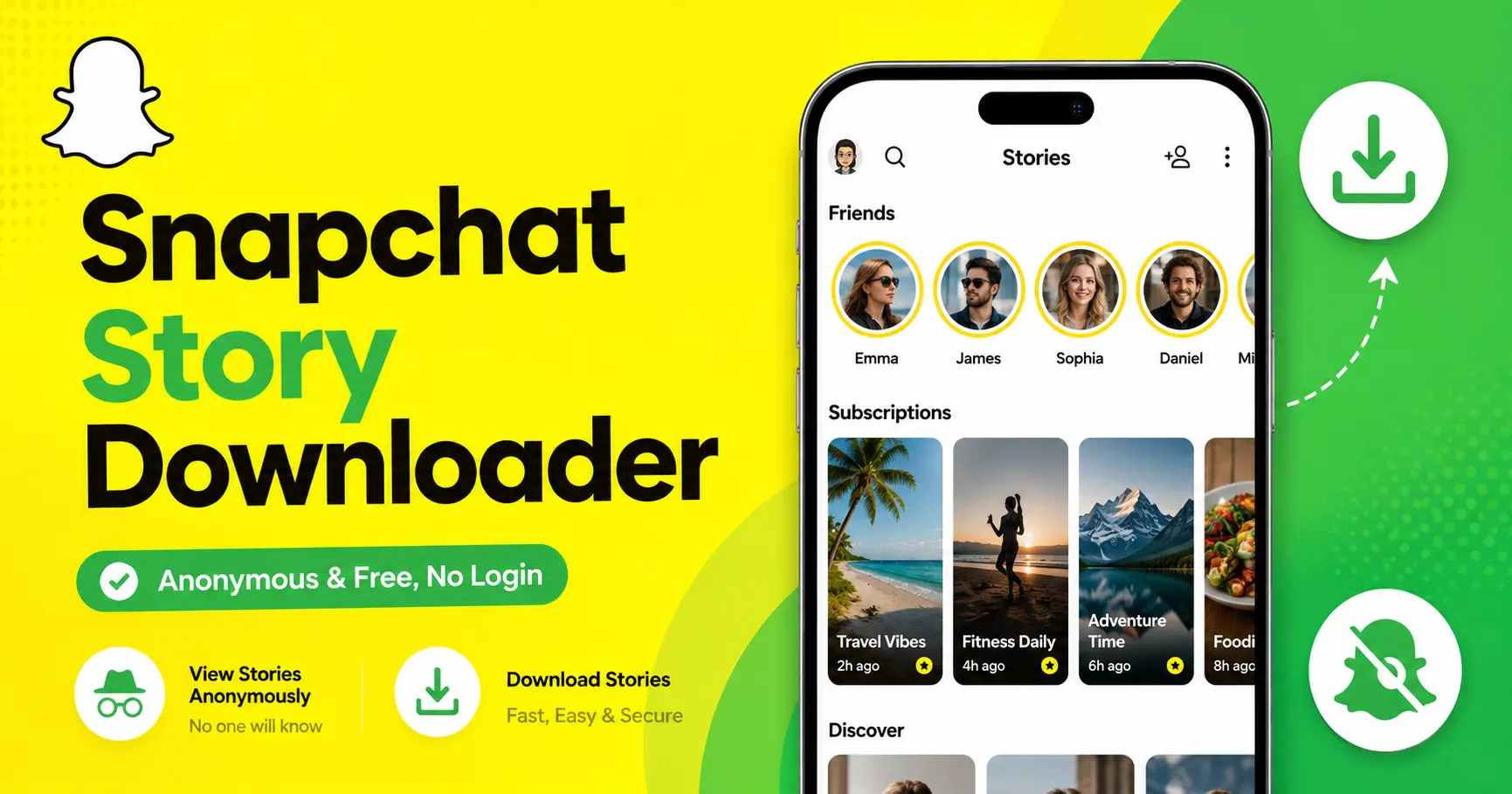
Snapchat Stories disappear after 24 hours, and Snapchat gives you no built-in way to save someone else's story to your device. Screenshotting triggers a notification, screen recording is unreliable and often low quality, and most "story saver" apps ask for your Snapchat login — a serious security risk. VidSip's free Snapchat story downloader solves this properly: paste a public username, and VidSip fetches the original story files directly from Snapchat's CDN — completely anonymously, with zero notification sent, and in original quality.
This guide covers everything about downloading Snapchat stories anonymously in 2026 — how to use VidSip as a Snapchat story downloader and Snapchat story viewer, how Spotlight downloads work, and answers to the most common questions about Snapchat privacy and notifications.
What Is a Snapchat Story Downloader?
A Snapchat story downloader is a web tool that retrieves the actual video or photo file behind a public Snapchat Story and saves it to your device — rather than just letting you view it. VidSip works by accessing the same publicly hosted content delivery network (CDN) files that Snapchat serves to anyone viewing a public profile's story. Because the request comes from VidSip's servers and not your personal Snapchat account, no screenshot notification or "viewed by" entry is ever created.
This is fundamentally different from screen recording or screenshotting, which both rely on system-level capture commands that Snapchat's app can detect and report to the original poster.
How to Download Snapchat Stories — Step by Step
VidSip's Snapchat downloader works in three simple steps:
- Find the public Snapchat profile — note their username (the one shown as @username on their profile or Snapchat code)
- Go to VidSip's Snapchat downloader — open vidsip.com/snapchat-downloader in any browser
- Enter the username and download — type the username, tap Search, and VidSip loads all currently active public stories. Tap Download on any story to save it to your device
The whole process takes under 30 seconds. Stories save in their original format — MP4 for videos, JPG for photos — at full resolution with no watermark.
Download Snapchat Stories Anonymously — Will They Know?
No. When you download a Snapchat story through VidSip, the account owner receives absolutely no notification and your name does not appear anywhere in their story viewer list. Here's the technical reason:
Snapchat's notification system works by detecting actions taken inside the official Snapchat app on a logged-in device — opening a story registers your account in the viewer list, and a system-level screenshot or screen recording triggers a separate alert. VidSip does neither. It fetches the publicly hosted media file directly via a server-side request, completely independent of any Snapchat account. There is no "view" event and no "screenshot" event — because no Snapchat session is ever created.
This is the key difference between VidSip and the old "airplane mode" trick — that method still opens the story inside the Snapchat app under your real account, which Snapchat's servers can detect retroactively once you reconnect to the internet. VidSip never touches your Snapchat account at all.
Snapchat Story Viewer — View Without Downloading
If you just want to view a Snapchat story anonymously without saving it, VidSip works as a story viewer too. Enter the username, and VidSip displays all active public stories directly in your browser — you can watch them full-screen without downloading anything. This is useful for quickly checking a public profile's latest posts without leaving any trace.
Snapchat Spotlight Downloader
Spotlight is Snapchat's short-form video feed, similar to TikTok or Reels. VidSip can also download public Spotlight videos. Paste the Spotlight video link or the creator's username into VidSip's Snapchat downloader, and any public Spotlight content from that profile becomes available to view and download in the same way as Stories.
VidSip vs Other Snapchat Story Downloaders — Comparison
| Feature | VidSip | Typical Story Viewer Sites |
|---|---|---|
| Download stories (not just view) | Yes | Often view-only |
| Spotlight download | Yes | Rarely supported |
| Login required | Never | Some require Snapchat login (avoid these) |
| Ads / popups | None | Often heavy |
| Other platforms supported | TikTok, Instagram, Facebook, Twitter/X, Pinterest, ShareChat | Usually Snapchat-only |
How to Download Snapchat Stories on iPhone
Open Safari on your iPhone and go to vidsip.com/snapchat-downloader. Enter the public username and tap Search. Tap Download on any story you want to save. The file downloads to your Files app under Downloads. To move it to your Camera Roll, open Files, tap and hold the file, and select Save to Photos.
No app installation needed — VidSip runs entirely in Safari. For quick access later, tap the Share icon and select Add to Home Screen.
How to Download Snapchat Stories on Android
Open Chrome (or any browser) on your Android device and go to vidsip.com. Select the Snapchat Downloader, enter the username, and tap Search. Tap Download on any story — the file saves directly to your Downloads folder and appears in your Gallery app automatically. Works on Samsung, Xiaomi, Redmi, Realme, Vivo, OnePlus and all other Android brands.
Can I Download Private Snapchat Stories?
No. VidSip only accesses content from public Snapchat profiles — accounts where the Story setting is set to "Everyone" or "Public" rather than "Friends Only" or "Custom." Private accounts and friends-only stories are protected by Snapchat and cannot be accessed by VidSip or any other third-party tool without the account owner's Snapchat credentials. Any tool claiming to bypass this is either misleading or attempting to phish login information — never enter your Snapchat password into a third-party downloader.
Why Stories Disappear and What "24 Hours" Really Means
Snapchat Stories are visible to viewers for 24 hours from the moment they're posted, after which Snapchat removes them from the public feed. If you want to download a story, you need to do it within that 24-hour window — VidSip can only access content that Snapchat is currently serving publicly. Once a story expires, it is removed from Snapchat's servers entirely and no tool, including VidSip, can retrieve it afterward. Highlights and Spotlight posts, by contrast, remain available indefinitely as long as the creator keeps them public.
Is It Legal to Download Snapchat Stories?
Viewing and downloading publicly available content from public Snapchat profiles is legal — public profiles are accessible to anyone, with or without a Snapchat account. Downloading content for personal use, archiving, or research is generally considered fair use. Redistributing, reposting, or monetizing someone else's content without their permission is not permitted and may violate copyright or platform terms regardless of how the content was obtained.
Why VidSip Is the Best Free Snapchat Story Downloader
- True anonymity — no notification, no viewer-list entry, ever
- Downloads, not just viewing — save stories and Spotlights in original quality
- No login required — your Snapchat account is never used or asked for
- No watermark — files save exactly as posted
- Completely free — no subscriptions, no limits
- Works everywhere — iPhone, Android, Windows, Mac, any browser
- Multi-platform — also supports TikTok, Instagram, Facebook, Twitter/X, Pinterest and ShareChat from the same site
We build and maintain VidSip's downloader tools and write these guides based on direct testing of every platform we support — Facebook, Instagram, TikTok, Twitter/X, Pinterest, Snapchat and ShareChat. Guides are reviewed and updated quarterly to reflect platform changes.
Frequently Asked Questions
Does the person know if I download their Snapchat story?
No. VidSip retrieves the story file directly from Snapchat's public CDN without using any Snapchat account. No view is registered, no notification is sent, and your name never appears in their viewer list.
How do I download a Snapchat story for free?
Go to vidsip.com/snapchat-downloader, enter the public username, tap Search, and tap Download on any story. Completely free, no account or login required.
Can I download Snapchat Spotlight videos?
Yes. VidSip can download public Snapchat Spotlight videos the same way as Stories — paste the Spotlight link or the creator's username and download from the results.
How long do I have to download a Snapchat story before it disappears?
Snapchat Stories are publicly visible for 24 hours after posting. VidSip can only access stories that Snapchat is currently serving — once the 24-hour window passes, the content is removed from Snapchat's servers and cannot be retrieved by any tool.
Can I view Snapchat stories without an account?
Yes. VidSip works entirely without a Snapchat account. Enter any public username and VidSip loads their active stories directly in your browser — no signup, no login, no Snapchat credentials needed.
Is it safe to use a Snapchat story downloader?
Yes, as long as the tool never asks for your Snapchat username or password. VidSip never requests Snapchat login credentials — it only accesses publicly available content via the profile's public data. Avoid any tool that asks you to log in with your Snapchat account, as this is a phishing risk that can compromise your account.
Can I download private Snapchat stories?
No. Private Snapchat accounts and friends-only stories are protected and cannot be accessed by VidSip or any third-party tool without the account owner's credentials. VidSip only works with public profiles.
Does VidSip work on iPhone for Snapchat downloads?
Yes. Open Safari, go to vidsip.com/snapchat-downloader, enter the username, tap Search, and tap Download. Files save to your Files app — move them to Camera Roll via Save to Photos.
What format do downloaded Snapchat stories save as?
Video stories save as MP4 files and photo stories save as JPG files, both in their original resolution with no watermark added.