By the VidSip Editorial Team · Last updated: June 29, 2026 · 8 min read
You found a GIF on Twitter that you want to save — something funny, a perfect reaction, a clip you want to use in a conversation. You long-press it on mobile, right-click on desktop, look for a download option. Nothing. Twitter gives you absolutely no way to save GIFs natively, and most people give up here.
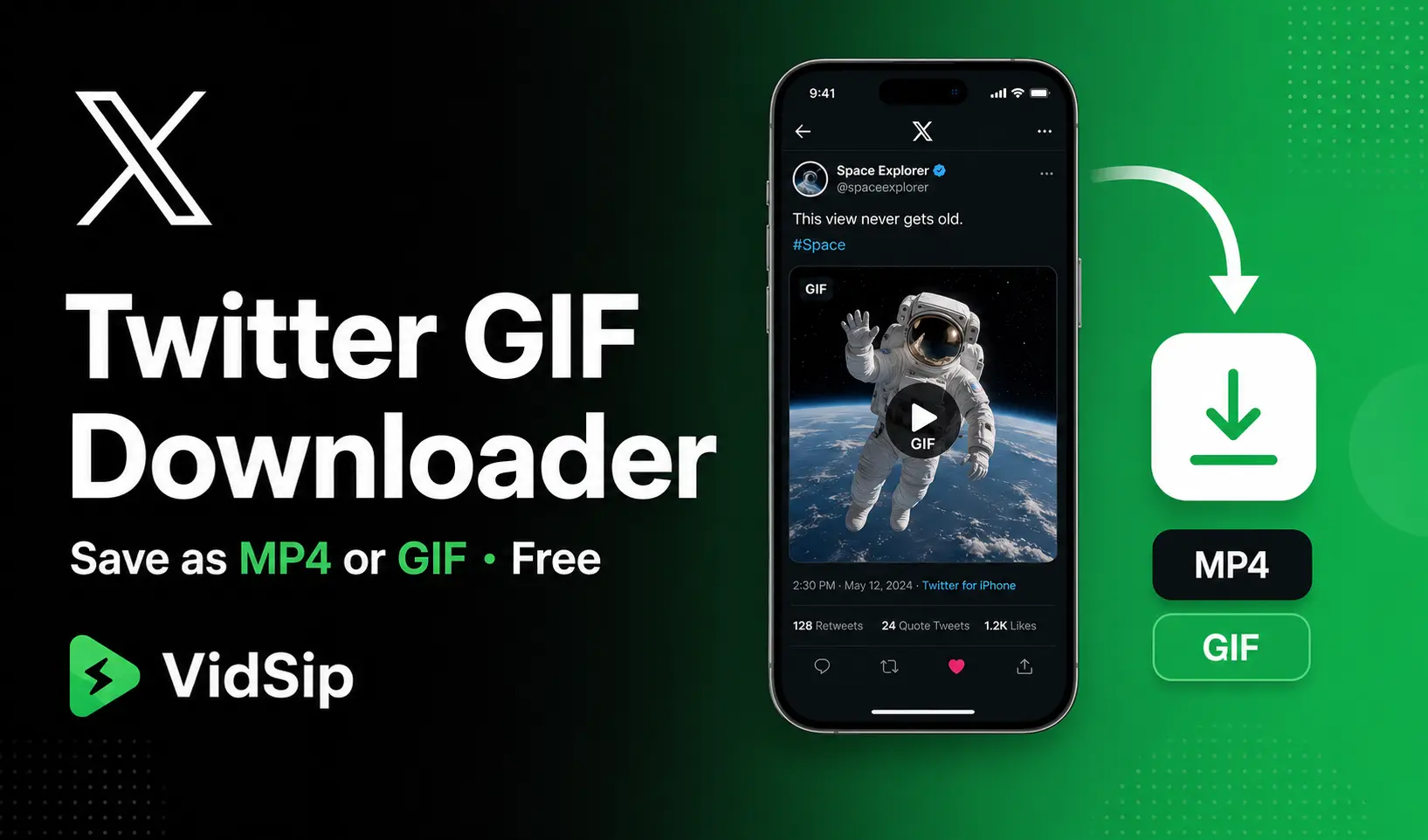
There is also something almost nobody knows: the GIF you are trying to save is not actually a GIF. It never was. Twitter converts every GIF uploaded to its platform into a silent MP4 video file. What you see looping on your screen is an MP4 being served as if it were a GIF. This changes what you can do with it — and how you need to download it.
Twitter GIFs Are Not GIFs — Here Is What They Actually Are
When someone uploads a GIF to Twitter, the platform immediately converts it to MP4 format before storing it. The reasons are technical and economic: MP4 files are significantly smaller than GIF files for the same content — sometimes 10 to 20 times smaller — which reduces Twitter's CDN storage costs and improves loading speed for users on slow connections.
The looping behavior you see is handled by the video player, not by the file format itself. Twitter's player is set to loop silently, mimicking how a GIF would behave. But the underlying file is an MP4 with no audio track.
This matters for downloading because:
- If you download the file as-is from Twitter's servers, you get an MP4 — not a GIF
- If you want an actual GIF file (for use in Slack, Discord, messaging apps, or as a true looping image file), the MP4 needs to be converted after downloading
- Most "Twitter GIF downloaders" give you the MP4 without explaining this, which confuses people who expected a .gif file
VidSip downloads the MP4 directly from Twitter's CDN — the highest quality version available. If you need an actual GIF file afterward, you can convert it using a free tool like ezgif.com or CloudConvert.
How to Download Twitter GIFs Using VidSip
The process is the same whether you are downloading a GIF, a video, or any other media from Twitter — because to Twitter's servers, they are all the same type of file.
- Find the tweet containing the GIF on Twitter or X
- Copy the tweet link — on mobile, tap the Share icon (the upload arrow) and select Copy link. On desktop, click the three-dot menu on the tweet and select Copy link to tweet, or copy the URL from your browser address bar
- Open VidSip — go to vidsip.com/twitter-downloader in your browser
- Paste the tweet link into the input box and tap Download
- Save the file — the GIF downloads as an MP4 to your device
One important note: copy the link to the specific tweet that contains the GIF, not a link to the GIF itself while it is playing. The tweet URL is what VidSip needs to identify and retrieve the media file.
Download Twitter GIFs on iPhone
iPhone requires one extra step compared to Android because iOS saves browser downloads to the Files app rather than Photos directly. Here is the complete flow:
- Open Twitter and find the tweet with the GIF you want
- Tap the Share icon → Copy link
- Open Safari on your iPhone — not Chrome. Safari handles video file downloads cleanly on iOS and triggers the native download manager
- Go to vidsip.com/twitter-downloader, paste the link, tap Download
- When Safari shows the download confirmation, tap Download — not Open. Tapping Open plays the file in the browser without saving it
- Open the Files app → tap Browse → Downloads
- Find the MP4 file, tap and hold → tap Share → tap Save Video
- The file now appears in your Photos app → Recents
Since the file is an MP4, it saves to Photos as a video, not as an animated GIF. It will play silently and loop, matching the behavior you saw on Twitter. To use it as a GIF in messaging apps, you will need to convert it — more on that below.
Download Twitter GIFs on Android
Android is more straightforward. Open Chrome, go to vidsip.com/twitter-downloader, paste the tweet link, and tap Download. The MP4 file saves directly to your Downloads folder. Your Gallery app picks it up automatically. The file plays as a silent looping video — the same visual behavior as the original Twitter GIF.
Works across all Android versions and brands. If Gallery does not show the file immediately, open Files app → Downloads and tap the file directly from there.
How to Convert the Downloaded MP4 to an Actual GIF
If you need a real .gif file — for use in Discord, Slack, iMessage reactions, or anywhere that requires GIF format specifically — you need to convert the downloaded MP4 after saving it. The two most straightforward free tools for this are:
- ezgif.com/video-to-gif — upload the MP4, set frame rate and size, download as GIF. Free, no account required, works in any browser
- CloudConvert.com — upload MP4, select GIF as output format, convert and download. Free tier allows a limited number of conversions per day
One thing to know before converting: GIF files are always significantly larger than their MP4 equivalent. A Twitter GIF that is 500KB as an MP4 might become 4-8MB as an actual GIF file. This is why Twitter converted them to MP4 in the first place. For most use cases — sharing in group chats, using as a reaction, embedding in a blog post — the MP4 works just as well and loads faster.
Download Twitter Videos vs Twitter GIFs — Is There a Difference?
From VidSip's perspective: no. Both Twitter videos and Twitter GIFs are stored as MP4 files on Twitter's CDN, and both download using the same process — paste the tweet link, download the MP4. The only difference is that GIFs have no audio track, while regular videos may have audio.
VidSip handles both through the same Twitter downloader — one tool, one process, works for all tweet media types including videos, GIFs, and images.
Can I Download GIFs From Protected Twitter Accounts?
No. Protected accounts on Twitter restrict all their content to approved followers only. VidSip cannot access media from protected accounts. The tweet must be from a public account and publicly visible without logging into Twitter. If a tweet requires you to log in to view it, VidSip cannot download its media.
Does Downloading a Twitter GIF Notify the Original Poster?
No. Twitter does not have any notification system for downloads or saves. The original poster has no way of knowing their GIF or video was downloaded — Twitter does not track or report this to creators in any form. The only engagement metrics Twitter shows creators are likes, retweets, replies, and link clicks.
Twitter GIF Downloader vs Screenshot — Why Download Is Better
Some people try to screengrab Twitter GIFs using their phone's screenshot or screen recording feature. This works but produces noticeably lower quality results — compressed, sometimes blurry, and limited to whatever resolution your screen renders. A VidSip download retrieves the original file from Twitter's CDN at full resolution with no compression artifacts from screen capture.
Screen recording also captures the entire screen including the Twitter interface, notification bar, and any other elements visible at the time. A direct download gives you a clean file with nothing but the GIF content itself.
We build and maintain VidSip's downloader tools and write these guides based on direct testing across every platform we support. Twitter's media delivery infrastructure changed significantly when the platform rebranded to X — this guide reflects current behavior as of June 2026 under the X/Twitter platform.
Frequently Asked Questions
Why do Twitter GIFs download as MP4 instead of GIF?
Twitter converts all uploaded GIFs to MP4 format automatically before storing them. MP4 files are up to 20 times smaller than equivalent GIF files, which reduces storage costs and improves loading speed. VidSip downloads the file as Twitter stores it — an MP4. To get an actual .gif file, convert the downloaded MP4 using ezgif.com or CloudConvert.
How do I download a GIF from Twitter on iPhone?
Copy the tweet link via Share → Copy link. Open Safari, go to vidsip.com/twitter-downloader, paste the link and tap Download. Open Files app → Downloads → tap and hold the file → Share → Save Video. The GIF (as MP4) appears in your Photos app.
How do I save a Twitter GIF on Android?
Copy the tweet link, open Chrome, go to vidsip.com/twitter-downloader, paste and tap Download. The file saves to your Downloads folder and appears in Gallery automatically.
Can I download GIFs from private Twitter accounts?
No. Protected Twitter accounts restrict all content to approved followers only. VidSip only works with publicly visible tweets from public accounts.
Does VidSip work for Twitter videos as well as GIFs?
Yes. VidSip's Twitter downloader handles all tweet media types — videos, GIFs, and images — through the same process. Paste the tweet link and download regardless of whether it contains a video or a GIF.
Will the original poster know I downloaded their GIF?
No. Twitter does not notify creators when their media is downloaded. No download tracking exists on the platform.
How do I convert a Twitter GIF to actual GIF format after downloading?
Upload the downloaded MP4 to ezgif.com/video-to-gif or CloudConvert.com and convert to GIF format. Note that GIF files are significantly larger than MP4 — a 500KB MP4 may become 4-8MB as a GIF.
Why can't I right-click and save a Twitter GIF?
Twitter's video player blocks direct right-click saving. The media is served through a CDN URL that requires authentication headers to access directly. VidSip handles this by resolving the tweet URL to retrieve the underlying media file.